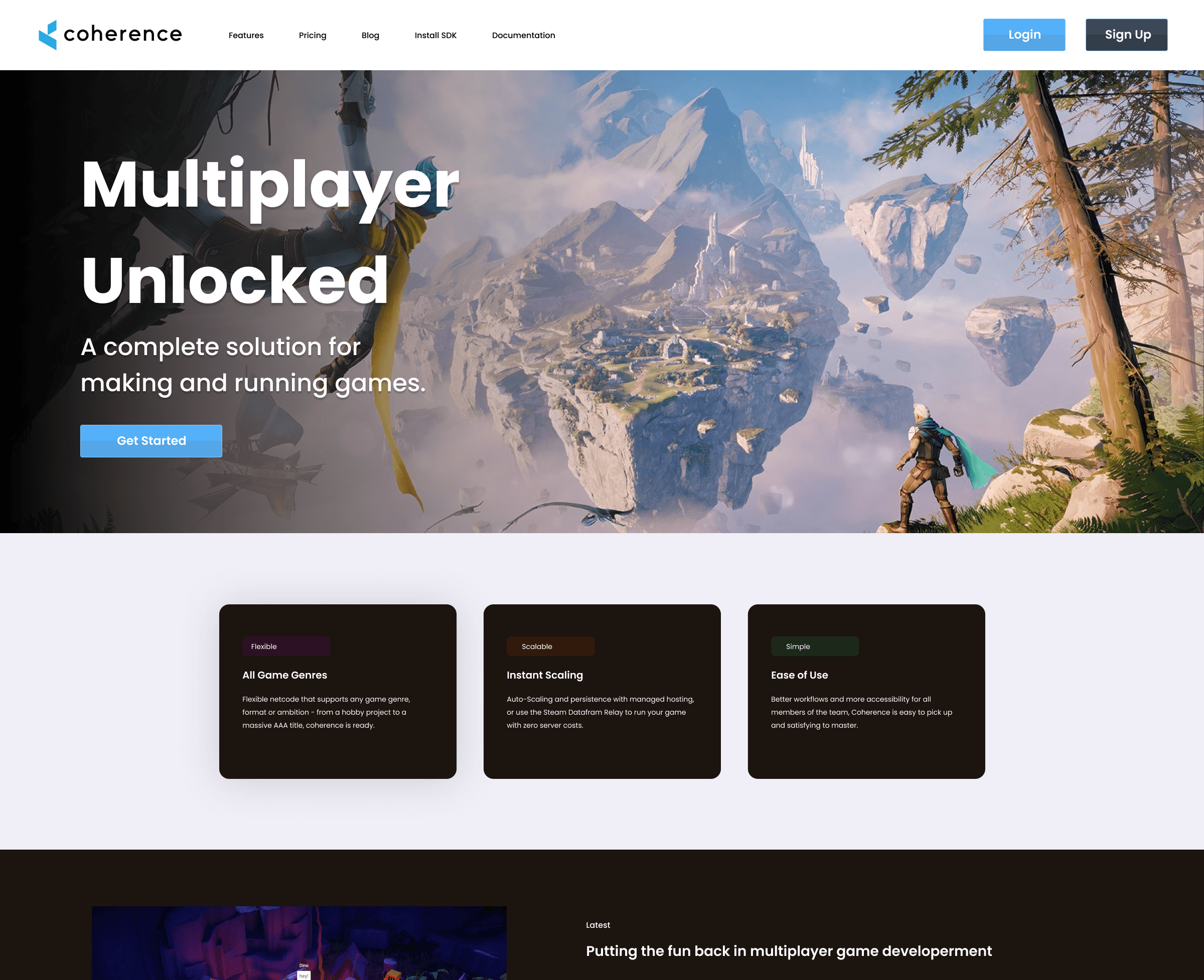
Who is Coherence?
Coherence is a powerful engine designed to enhance Unity for creating multiplayer experiences. I will detail how I led my team, formulated an effective strategy, and successfully delivered a cohesive and user-friendly Hub experience.
Problem Statement
The primary challenge was to design a central hub that could cater to a diverse user base, ranging from novice developers to seasoned professionals. The hub needed to offer:
Easy Navigation: Users should be able to find resources, tools, and documentation without hassle.
Seamless Onboarding: New users should be guided through the initial setup and learning process smoothly.
Scalability: The design should accommodate future expansions and additional features without overwhelming the user.
Consistency: The design language should be consistent across all sections of the hub, reinforcing brand identity.
Approach
1. Research & User Analysis
The design process began with comprehensive research to understand the needs and pain points of Coherence’s user base. We conducted interviews with developers who were both familiar and unfamiliar with the Coherence toolkit to identify common challenges and areas for improvement.
Key findings included:
Overwhelming Documentation: Users found it difficult to navigate through extensive documentation and tutorials.
Inconsistent User Experience: There was a lack of consistency in the user interface, leading to confusion.
Steep Learning Curve: New users often felt lost during the initial stages of using the toolkit.
2. Conceptualization
With these insights, we brainstormed several concepts for the hub design. The goal was to create a unified, central point of access where users could easily navigate through tools, documentation, and support resources.
Key Features Conceptualized:
Dashboard: A customizable landing page that displays the most frequently used tools, recent projects, and important notifications.
Onboarding Wizard: A step-by-step guide that helps new users set up their environment and understand the core functionalities of the toolkit.
Unified Navigation Bar: A consistent and persistent navigation bar across all pages, allowing users to easily switch between sections like tools, documentation, forums, and support.
Search Functionality: A powerful search tool that allows users to quickly find specific resources, tools, or documentation.
3. Wireframing & Prototyping
Next, we developed wireframes and interactive prototypes to visualize the hub’s structure and flow. This phase focused on ensuring that the navigation was intuitive and that users could easily access the information they needed.
Wireframes:
A clean, minimalist design with a focus on functionality.
A clear hierarchy of information, with important tools and resources prominently featured.
Prototypes:
Interactive versions of the wireframes were tested with a select group of users to gather feedback on usability and functionality.
4. User Testing & Iteration
Based on user feedback from the prototype testing, we iterated on the design to address any pain points and improve the overall user experience. This phase involved multiple rounds of testing, refinement, and validation to ensure that the design met the needs of Coherence’s diverse user base.
Key Changes Implemented:
Simplified the onboarding process by breaking it down into smaller, more manageable steps.
Enhanced the search functionality to include filters and suggestions based on user behavior.
Improved the consistency of the design language across all sections of the hub.
5. Final Design & Implementation
The final design was a polished, user-friendly hub that met all the initial objectives. The hub was designed to be scalable, allowing for future expansions without compromising the user experience.
Key Features of the Final Design:
Dashboard: Users are greeted with a personalized dashboard that showcases their most recent projects, tools, and relevant updates.
Onboarding Wizard: A simplified, yet comprehensive onboarding experience that guides new users through the setup process.
Unified Navigation: A consistent navigation bar that provides easy access to all parts of the hub.
Advanced Search: A robust search tool that helps users find exactly what they need in seconds.
Results
The implementation of the new hub design for Coherence’s multiplayer toolkit resulted in several positive outcomes:
Increased User Engagement: Users reported higher satisfaction levels with the new hub, noting the ease of navigation and accessibility of resources.
Reduced Onboarding Time: New users were able to get started with the toolkit more quickly, thanks to the streamlined onboarding process.
Positive Feedback: The consistent design language and intuitive interface received praise from both novice and experienced developers.
Conclusion
As the Lead Designer, I led the effort to create a centralized, user-friendly hub that successfully addressed the needs of Coherence’s diverse user base. By focusing on intuitive navigation, seamless onboarding, and a consistent design language, we delivered a solution that not only improved the user experience but also supported Coherence’s goal of making multiplayer game development accessible to all.
The project highlighted the importance of user-centric design in creating tools that are both powerful and easy to use, setting a new standard for future developments within Coherence.