Design Desktop or Mobile first?
Firstly, it’s not about ‘lifting and shifting’
You wouldn’t take a huge game like Grand Theft Auto 5 and put it on Mobile. It just wouldn’t work. But what you can do (with user research) is understand what parts of GTA 5 players would be invested in using via Mobile. For instance, could I have GTA 5 on my mobile purely for customisation? Could I spend time colouring cars, changing clothes and guns in mobile which then can be used on my actual play in Desktop or Console?
So the rule I stick with, especially when you’re dealing with any complex designs, is to consider what works in favour of Mobile. What parts of the bigger experience can I condense/simplify for a mobile experience? And vice-versa, if my Game is on Mobile, what can I add to make that experience even bigger via Desktop/Console?
Back when Mobile gaming exploded, we had a lot of just ‘lifting and shifting’ console Games for Mobile - which was a disaster and had loads of usability issues with screen space, lagging and messy controls. Companies have now found much better experiences are creating something specifically for Mobile which works with its advantages.
Mobile and Desktop both have their advantages. Use them!
How you write your advertising copy will be based on where you will place your ad. If it’s a billboard ad, you’ll need a super catchy headline and simple design due to the speed at which people will pass. Online ads are similar; consumers are so inundated with Internet advertising that your ad must be quick and catchy.
Consider what you want to achieve with your product, game or website. Try and future proof your designs as much as possible!
What would the consumer gain by using your product or service? This could be tangible, like a free gift; prestige, power or fame. But remember: you must be able to make good on that promise, so don’t offer anything unreasonable.
Mobile:
Is portable.
Is easy to pick up and play.
Allows for variation in usability - fingers over keyboard/mouse.
Desktop:
Has more power.
More screen space.
Create bigger experiences.
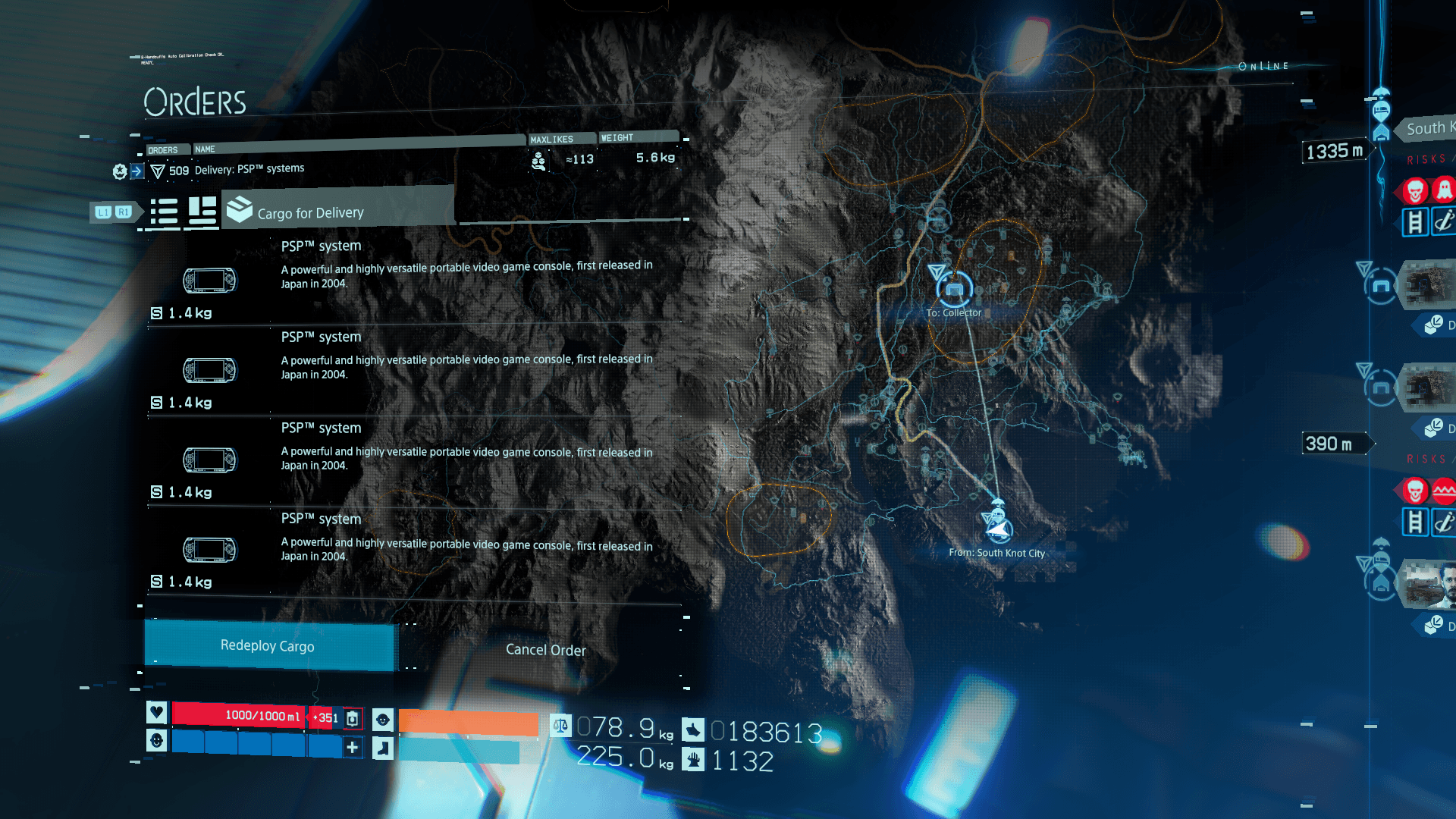
When designing, we should consider these advantages. If we’re going to take a Game from Desktop (for example) consider what areas of that Game would be much better if portable. The above is a desktop game which has far too much information for a phone screen - either it needs a redesign or it'd just be a mess.
Player Interactions
Also consider the impact of how a player interacts with Mobile vs Desktop. Most mobile players will use their hands, therefore buttons they press are easy to grasp. When it comes to Desktop, you start considering a whole host of things - keyboard, short cuts, mouse.
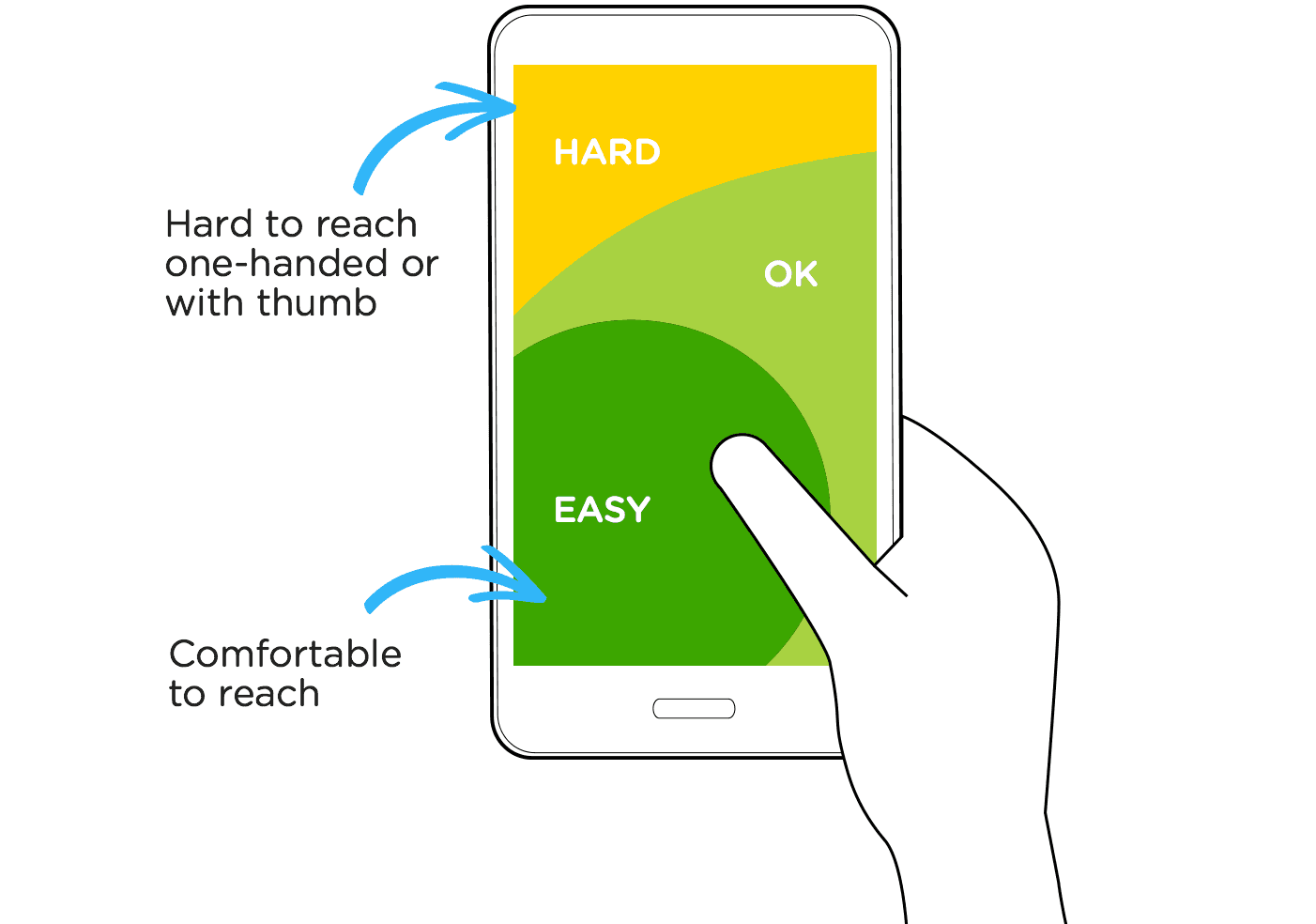
Screen real estate - you have much more space for layouts and graphics with Desktop. Once you get to mobile, every pixel counts! Wrong clicks are much more likely on Mobile, so it can be a hard balance of enough space vs button you need interactions with. Your UI has to be much more simpler on Mobile. You also have to consider which way around you’d have your Mobile - if you have it portrait, the screen can be held one handed and is the way we mostly interact with our phones - but on bigger devices, your fingers are hard pressed to hit the corners - which loses you screen real estate.
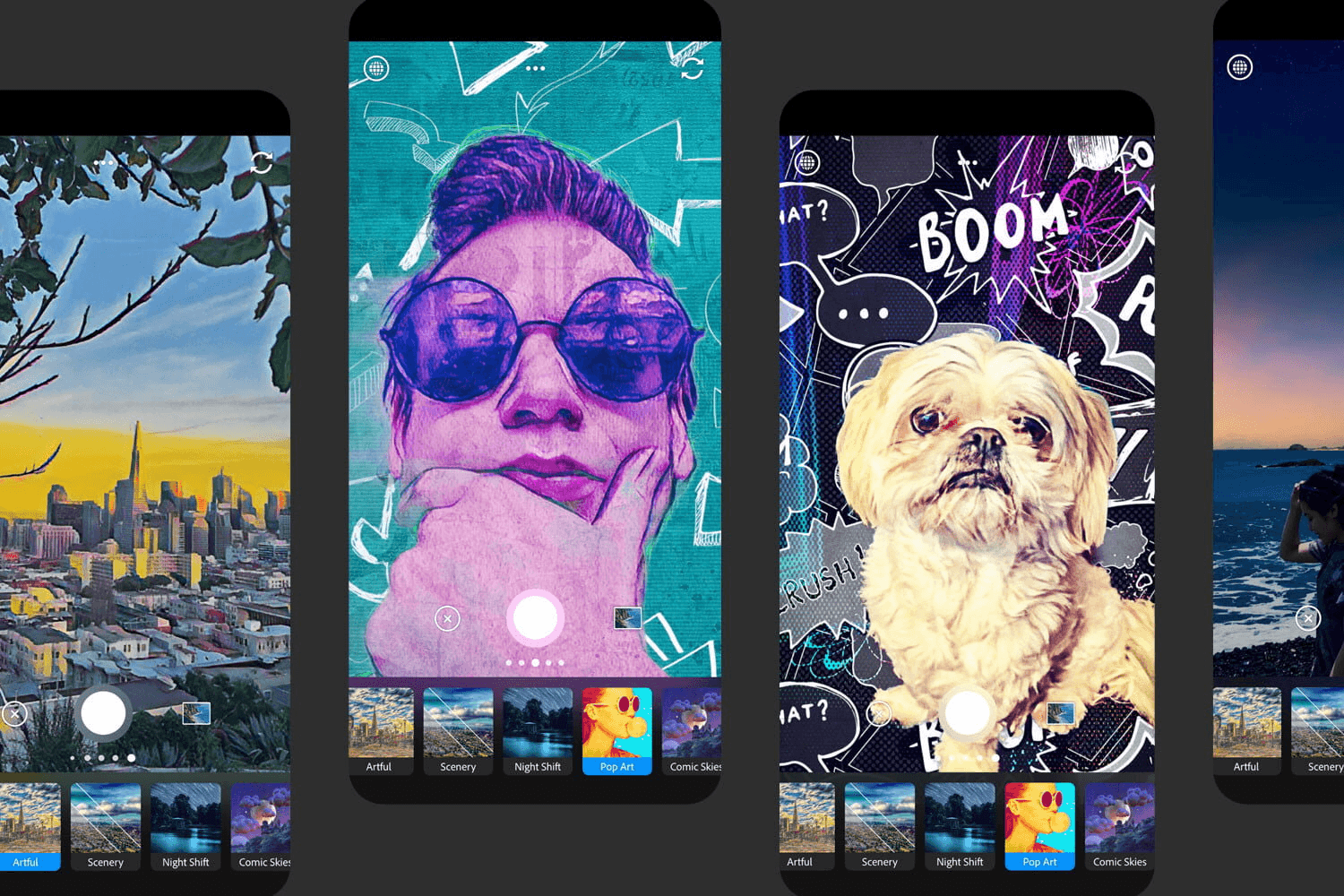
Photoshop is a huge piece of kit for Desktop. There’s no way you can take what’s in Photoshop and stick it in mobile. What Adobe did though, however, is take the mobile strengths (taking photos, quick and on the go edits) and put more emphasis on quick edits such as crops and filters. They adapted to how people use mobile vs desktop.