Control Centre for Robotic Process Automation: Blue Prism
This transition aimed to provide users with greater flexibility, accessibility, and collaboration capabilities. As the UX Designer on the project, my role was to ensure that the migration was not just a technical transition but also an opportunity to significantly improve the user experience.
Key Challenges
The primary challenge identified during the initial phase of the project was the difficulty users had in navigating and interpreting large volumes of data. The desktop application presented data in a raw, linear format, which made it cumbersome and time-consuming for users to find the information they needed.
Main Pain Points:
Data Overload: Users were overwhelmed by endless lines of unstructured data.
Navigation Issues: The lack of intuitive navigation and filtering made it hard for users to locate specific data points quickly.
Limited Customization: Users had limited options to customize how data was displayed, leading to inefficiencies in workflow.
Research & User Insights
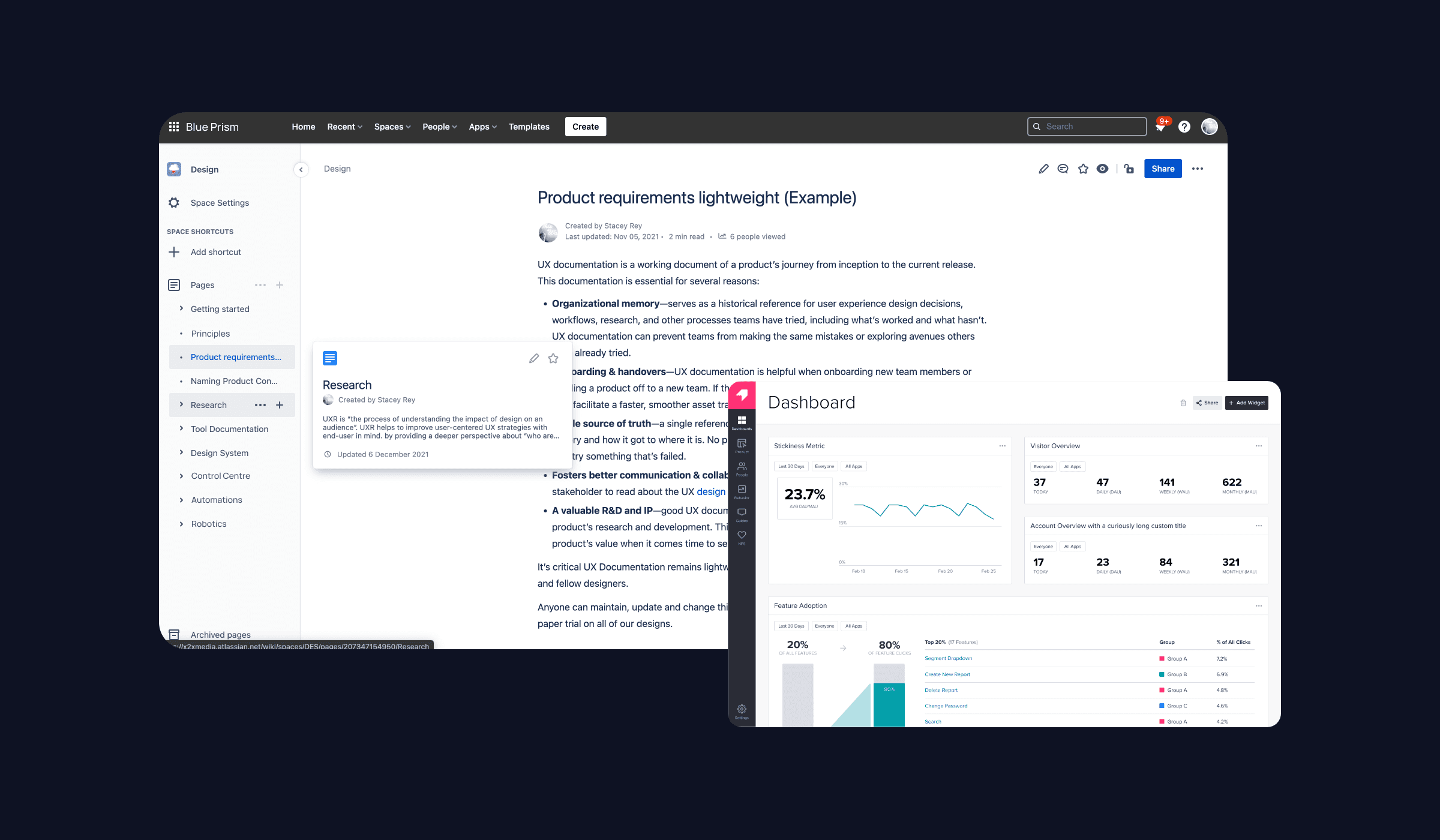
To gain a deep understanding of these challenges, I conducted over seven interviews with current users, spanning both new users and super users. The goal was to gather insights into their workflows, pain points, and desires for an improved experience.
Key Findings from User Interviews:
Super Users: Experienced users found the desktop application powerful but frustrating due to its inefficiency in data management.
New Users: Beginners were often overwhelmed by the complexity and found the learning curve steep, particularly when trying to locate and analyze specific data.
Common Theme: Across the board, users expressed a need for better data organization and more effective tools to filter and manage data sets.
These insights were crucial in shaping the redesign strategy, with a particular focus on improving data navigation and management.
Design & Development Strategy
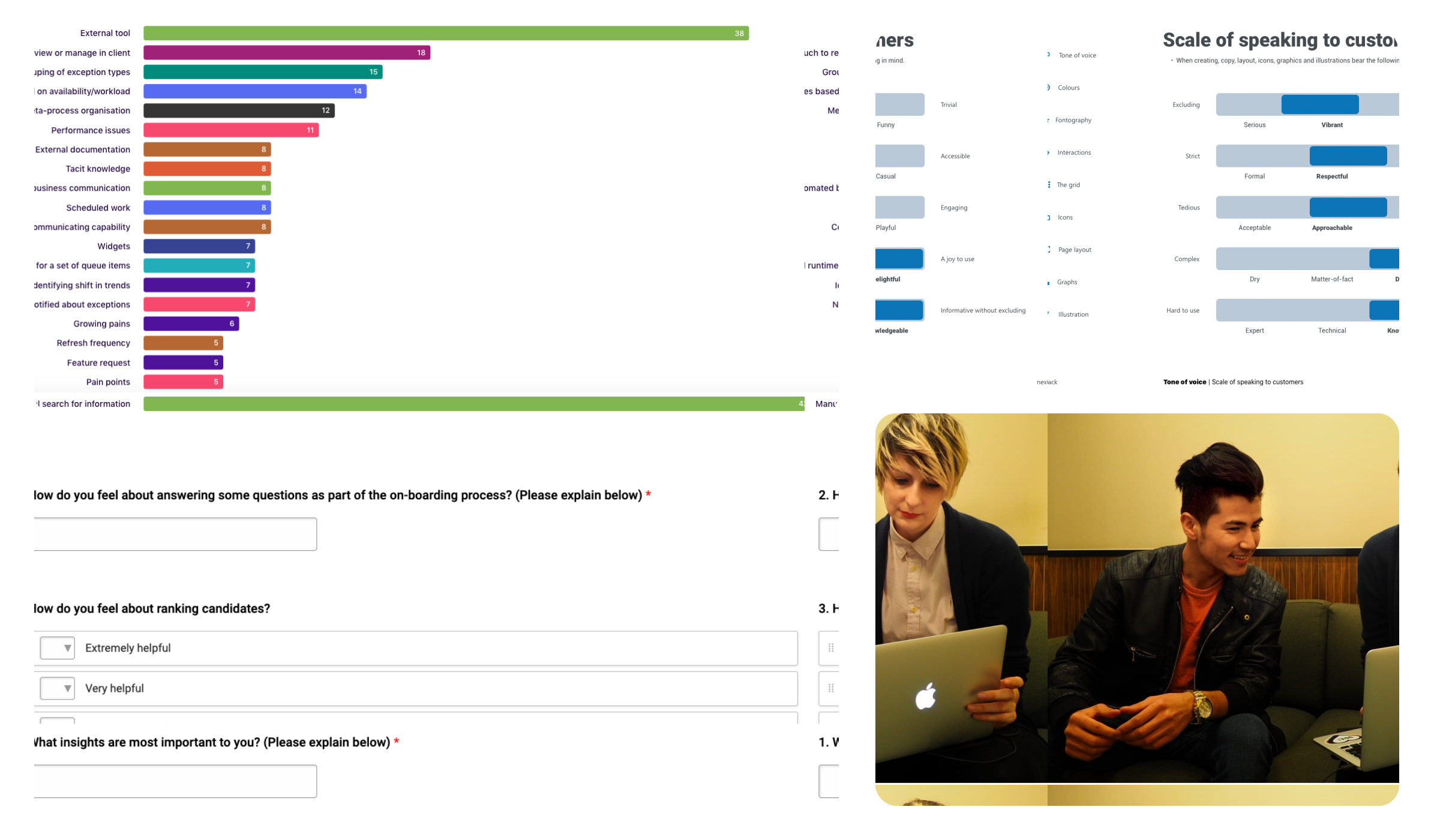
With the insights gathered, I initiated the redesign process, focusing on creating a more intuitive and user-friendly interface that would address the identified pain points. The strategy was broken down into several key phases:
1. Redesigning User Flows
Simplified Navigation: I began by rethinking the user flows, aiming to make data navigation more intuitive. This involved restructuring how data was presented and accessed, prioritizing user tasks, and creating a more logical flow through the application.
Data Grouping: To combat the issue of endless lines of data, I introduced the concept of data grouping, allowing users to collapse and expand sections of data based on relevance and task at hand.
Quick Actions: I implemented quick action buttons, enabling users to perform common tasks with minimal clicks, reducing the cognitive load and improving efficiency.
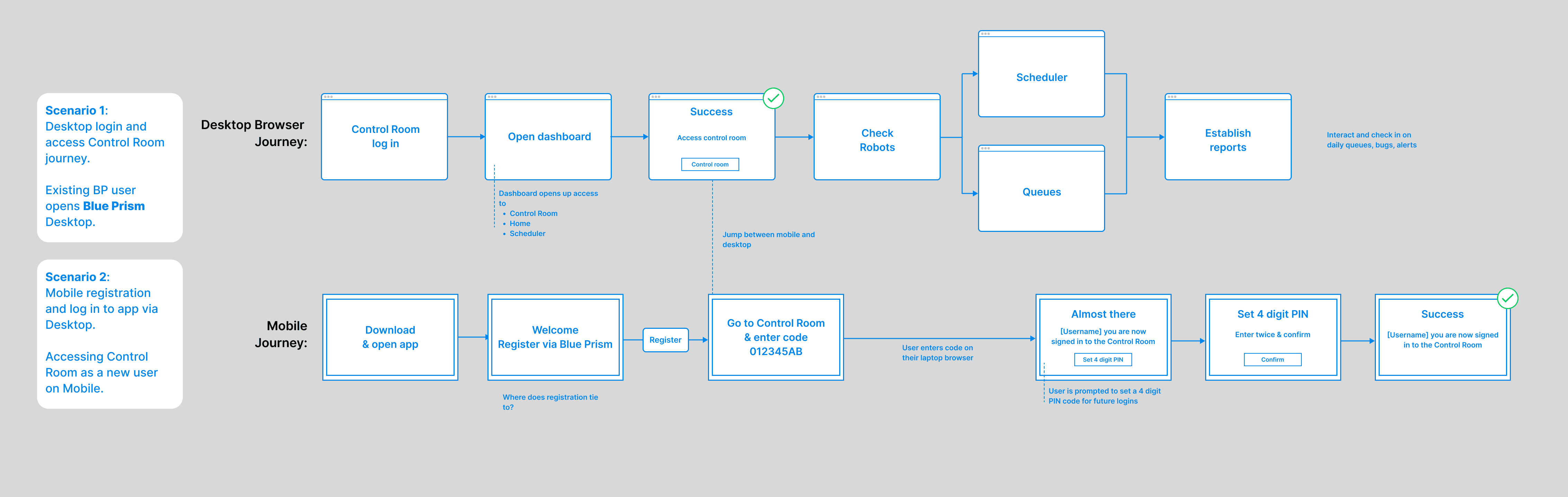
2. Designing New Features
Filtering System: One of the most significant improvements was the introduction of a robust filtering system. Users could now filter data by various parameters, making it easier to locate specific information without sifting through irrelevant data.
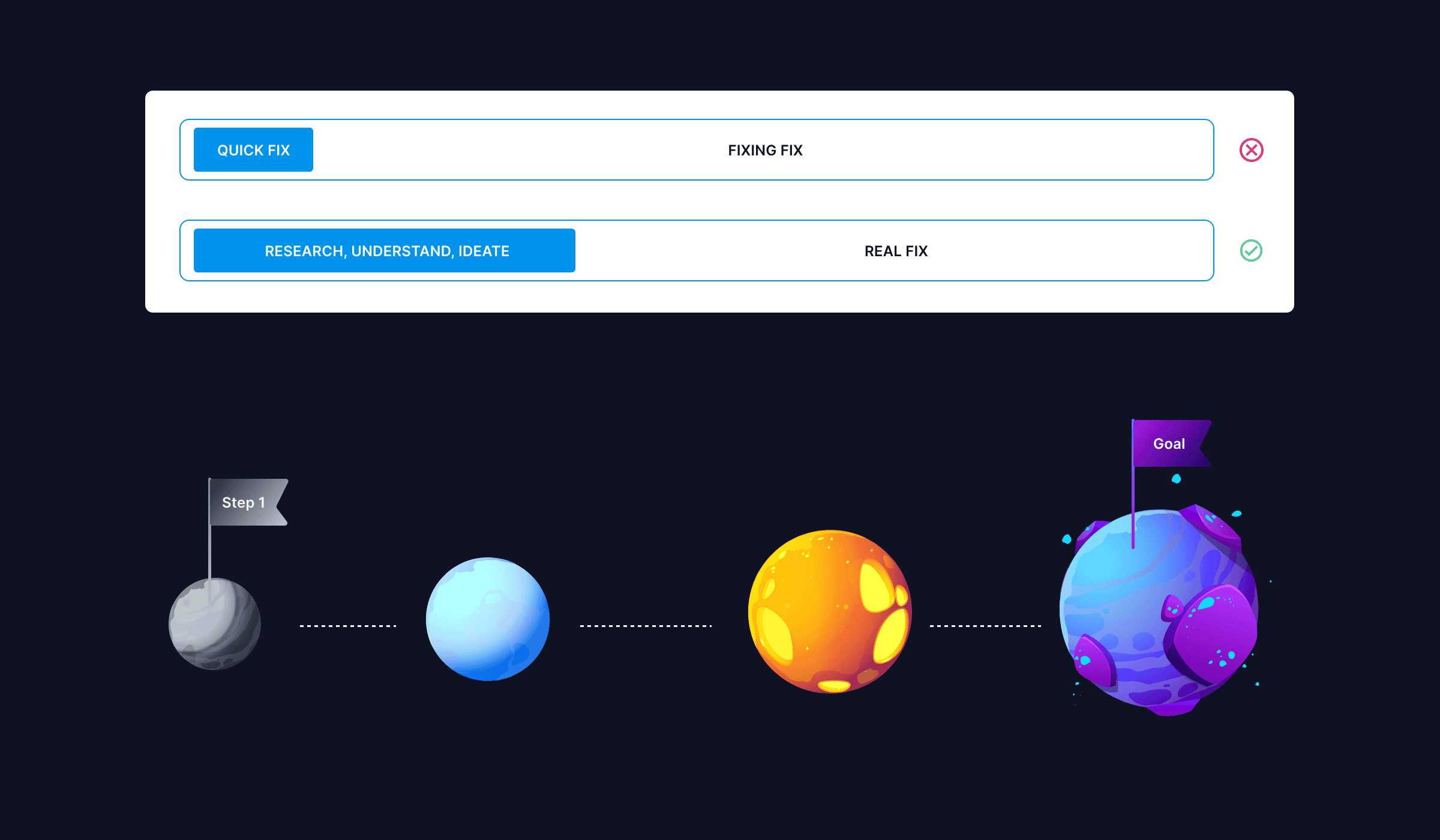
Data Tagging (Future Implementation): While a fully automated filtering and tagging system wasn't feasible in the initial phase, I developed a phased plan. The first phase introduced basic filtering capabilities, with a roadmap to gradually implement more advanced features like automated tagging by the end of the year.
3. Iteration and Testing
Prototype Development: I created interactive prototypes of the redesigned interface, incorporating the new navigation structure and filtering features. These prototypes were used to conduct user testing sessions, ensuring the design met user needs.
Inclusive Testing: Developers and business stakeholders were involved in some of the testing sessions. This collaboration ensured that the design was technically feasible and aligned with business goals, while also improving communication and reducing the likelihood of rework.
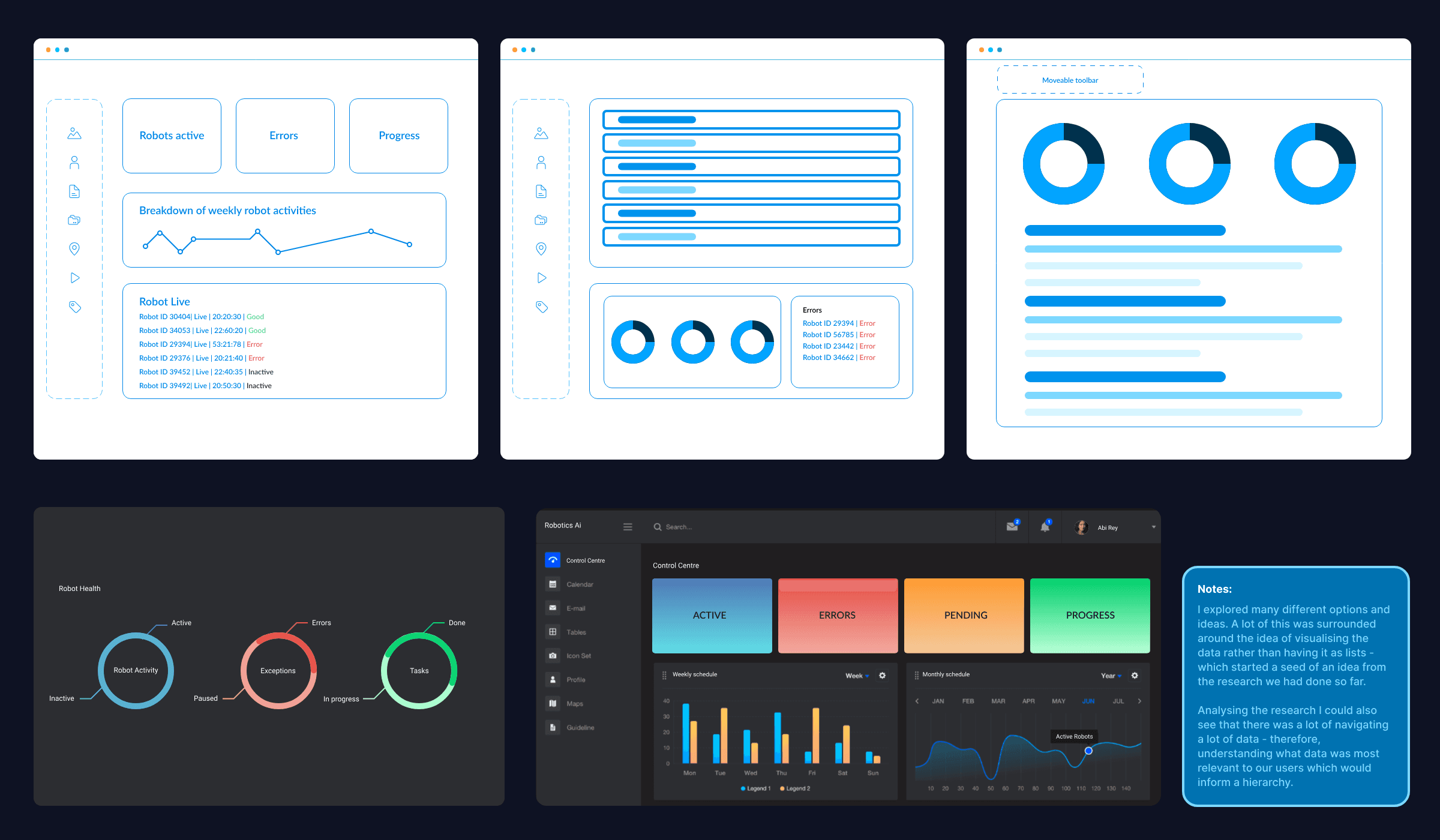
4. Finalizing the Plan
Prioritized Rollout: Given the constraints, I developed a phased rollout plan that balanced immediate user needs with longer-term goals. The plan started with the basic filtering system and laid out steps to achieve automated filtering and tagging within the year.
Continuous Feedback Loop: I established a feedback loop with users, developers, and business teams to monitor the rollout's progress and make necessary adjustments in real-time.
Outcomes
The migration to an online platform, combined with the redesigned user experience, resulted in several positive outcomes:
Improved User Experience: The introduction of data grouping and filtering significantly improved how users navigated and managed data, reducing the time spent on data retrieval and analysis.
Increased Efficiency: The quick actions and simplified navigation streamlined workflows, making the software more efficient for both new and experienced users.
Scalable Design: The phased implementation plan ensured that the design could evolve, allowing Blue Prism to introduce more sophisticated features like automated tagging without disrupting user experience.
Enhanced Collaboration: Involving developers and business stakeholders in the testing phase improved communication and alignment across teams, leading to a smoother implementation process.
Conclusion
As the lead UX Designer on this project, I played a crucial role in not only transitioning Blue Prism's RPA software from desktop to online but also in significantly enhancing the user experience. By focusing on user research, iterative design, and inclusive testing, we were able to create a more intuitive, efficient, and scalable solution that met both user needs and business objectives.
This case study demonstrates the value of a user-centered approach to design, particularly when undertaking significant transitions like moving from desktop to online platforms. Through careful planning, collaboration, and phased implementation, we successfully delivered a product that is poised to meet the evolving needs of its users and the business.